.png)
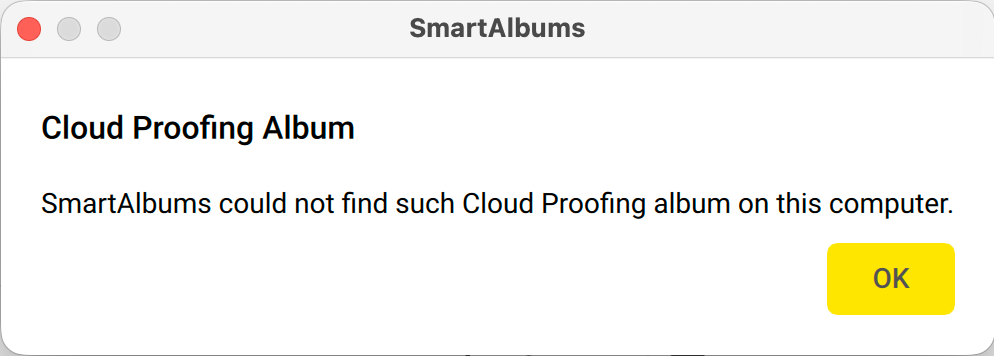
Error message: "SmartAlbums could not find such Cloud Proofing album on this computer"
Issue
After selecting the Edit in SmartAlbums option in Cloud Proofing, you may receive an error message that does not allow you to proceed with viewing the album inside the SmartAlbums application. This error message can appear if the SmartAlbums project has been moved, deleted, or renamed after the album has been uploaded to Cloud Proofing, causing the link between the SmartAlbums project file and Cloud Proofing to break. In this case, you may see an error message like the one below:
Solution 1: Move the SmartAlbums project file back to the original location / revert filename
If your SmartAlbums project has been moved to a new location, you can relink your project file and Cloud Proofing album by simply moving the project file back to its original location.
Similarly, if your SmartAlbums project has been renamed, you can relink your project file to Cloud Proofing by reverting the filename of your project back to the original state that it was in during the initial upload to Cloud Proofing.
Solution 2: Upload into other existing album
If your SmartAlbums project has not been moved, deleted, renamed or you are unable to move your SmartAlbums project to its original location / revert the filename, you can easily relink your project file to Cloud Proofing by using the Upload into other existing album option during export:

Note: using the Upload into other existing album option will erase any previously added feedback in your chosen Cloud Proofing album.